

ConvertKit is now Kit!
Our recommended email service provider has changed their name to Kit. We’re working to update our content to reflect this change. In the mean time, you may see us reference the product by either name—please know that our recommendation has not changed. You can read more about the name change here.
You’re on the right page if you know you need to know how to start an email list and you want to get it done the right way—and fast.
After this step-by-step tutorial, you’ll have an email list up and running, an autoresponder sequence laid out and ready to go, and even learn some more advanced stuff that’ll help you stand out from your competitors, too.
Looking back at the first business I created back in 2008, not having an email list was like shooting myself in the foot. It was a huge mistake, because I sold products, but had no way of letting people—interested people —know that they existed.
Even here, on Smart Passive Income, I didn’t collect my first email address until 1.5 years after I started the blog. Big mistake—and I made it twice!
That’s exactly what I want to help you with in this tutorial, because you need an email list so that you can grow your business, or even start one if you’re right at the beginning stages of your online business journey.
Keep reading, and then get ready to take some notes, and take some action, too!
Contents
- What is an email list?
- Why email list building is essential
- First, find the best email service provider
- Email list building step by step video tutorials
- 25 pro tips on how to build an email list
- Mailing list growth do’s and don’ts
- Email list building tools
- Your mailing list questions answered: AskPat on email list building
- Grow your email list to the next level
What is an email list?
Put simply, an email list is a collection of subscribers who choose to receive content and updates from you via, you guessed it, email.
Sometimes people call email lists “subscribers lists” or “mailing lists.”
You can start an email list or grow your existing email list in several ways that we’ll cover later on.
First, let’s take a look at why email list building is essential for your online business.

Get superfans secrets in just 5 minutes, for free
Our weekly newsletter helps online entrepreneurs break through mental blocks, blind spots, and skill gaps. It’s the best 5-minute read you’ll find in your inbox.
Free newsletter. Unsubscribe anytime.

Join 100k+
Subscribers
Why email list building is essential
As much as email might seem like an internet marketing dinosaur, email marketing to this day brings the highest return on investment (ROI) for many businesses in the US according to the Direct Marketing Association.
For every $1 spent on email marketing, the average expected return is $42.
Regardless of the size of your business, prospects on an email list are vital for successful marketing campaigns.
Using the right email marketing software, you can get useful information such as email open rate, click-through rate and conversion rate to help you get real, data-driven insights into what works best for your business and audience.
Although a solid ROI is a great enough reason for me to recommend you adopt email list marketing, there are a few additional reasons why email list building is essential.
Reasons why email is essential
Email is personal
An email lands you directly in your audience members’ inboxes. There’s no ranking system or opaque algorithms here that limits your reach.
Email marketing is a direct and personal approach to communicating with your existing audience and potential customers.
Email is purposeful
People join your email list because they are interested in hearing directly from you.
You probably have them double opt-in to join as well (since you’re not building a spam list), and anyone doing that much work is definitely among the most interested in getting as much value from you as possible.
Email is targeted
Especially if you layer in sophisticated tagging and segmenting into distinct lists and groups, email marketing allows you to have a clear idea of what different parts of your audience like based on what free downloads they’ve grabbed, what pages they’ve come from, what products they’ve purchased, etc.
This allows you to deliver highly relevant offers to get better results if you spend the time to think about and cater to their different needs.
Your email list is your own
Unlike Facebook page likes, X followers, or Goggle visitors, you own the contact information in your email list.
Sometimes past social media growth campaigns and SEO efforts can go from very successful to completely shut down overnight when those platforms change their policies.
With a list of emails you’re in charge of, you’re business becomes sheltered from the changing winds of third party’s Terms of Service.
Email is a must-have for most people
There are a ton of eye-popping statistics for the number of monthly active users and total levels of engagement on social media platforms like Facebook, Instagram, TikTok, etc.
It’s not so easy to find stats for the number of people who use email every day, but we know just from our personal experiences living in the modern world that essentially everyone on the internet has an email address since they’re needed for any platform that requires creating an account and logging in.
In a recent study by Radicati, predicts there will be over 4.5 billion active email accounts by the end of 2025.
That’s more than half of the population on Earth, and having the potential to talk to half the planet this is why most smart business owners have an email list.
That one time my email list saved the day
In March 2013 I was in San Francisco shooting promotional video for my book, Let Go, when hackers took my website down—for an entire week. I couldn’t log in to the site. Everyone who came to the site got an error screen, and the only way I could communicate with my audience was through my email list.
The email list I had built literally saved my business for a week. I was able to keep my audience up to date, I shared podcast episodes and YouTube videos that were coming, and kept my business up and running even though my blog was completely out of commission.
Your email list is a huge asset and the experience of not being able to use my main communication tool—my blog—hammered home the benefits of having a solid email list.
How creating an email list has helped me serve others
Since 2010 when I first started my email list, I’ve learned so much. Here are a few fun facts about my email list, and how it has been crucial for my business—and how it can be crucial for yours too:
- I’ve grown my email list to 200,000+ email addresses.
- Email has helped me discover the top pains and problems of my audience, which can then be used to craft content and product ideas to help alleviate those pains and problems.
- A single broadcast email once helped me earn over $60k in affiliate earnings.
- More than $1,000,000 in total earnings can be directly attributed to my email list.
- Email lists have proven to be versatile for driving new traffic to SPI by promoting new posts, and also resurfacing older posts. They also let me send out notifications when I add new information to an older post.
- Automated follow-up sequences have allowed me to serve my audience with additional content that allows me to keep in contact with people over time so that I end up with higher open and click through rates.
- My email segments let me send updates directly to the people on my list I know will be interested in a particular product or post, and skip notifying people who I know aren’t ready for it yet.
First, find the best email service provider
Now, you may be thinking, “Why do I even need an email service provider? I’ve got a Gmail account and can just send emails to my friends and family that way.”
Here’s the thing: don’t send bulk business emails to your list through your free email service. Not only will you be breaking email marketing opt-in laws, you’ll also have no real way to grow your list.
When considering an email service provider, you’ll want to make sure you can:
- Build a database of subscribers
- Send emails to several people at the same time
- Setup automated follow-up sequences
- Place signup forms on your website and landing pages
- Tag or segment your users
Signing on with an email service provider (ESP) that’s built specifically to help you manage and grow your list is incredibly important and, in my opinion, Kit is the way to go. I use it currently, and it’s especially friendly to those just starting out. [Full disclosure: I am a compensated advisor and affiliate for Kit.]
Also, they’re offering a 30-day free trial if you get started today!
You can use the strategies and tactics you learn in this tutorial with any ESP; however I’ve personally experimented with a lot of different ESPs over the years, and I recommend Kit to you because it’s the one that has everything I need to grow my business, while still being very intuitive and easy to use.
You can read more about my choice to switch over to Kit (from two other providers) here in this post.
As I mentioned above, I want full disclosure here: I am a compensated advisor and an affiliate for Kit, but that’s because I believe it is the best email product on the market for online businesses. Here are just a few reasons why I love it:
- The platform is well designed and extremely easy to use. The names of the tools are clear and easy to understand: forms, automations, sequences, broadcasts, subscribers.
- Emails are delivered reliably and as expected.
- Their customer service team is super helpful, and they have 24 hour online chat available (a feature my team uses often when we have questions).
- The autoresponder sequences are easy to implement.
- It comes with powerful tagging and segmentation features.
- Visual automations make it easy to create complex “if this, then that” rules.
- It’s extremely easy to make changes and updates. For example, if you decide to change a tag’s name, that name automatically updates everywhere you’re using the tag.
Now, let’s get to the tutorial videos! These videos are a completely free resource for you, and they walk you through the process of setting up your list, step-by-step, right from the start.
Here’s what we’ll be covering, video-by-video:
- How to setup your list and place an opt-in form on your website.
- How to start getting email subscribers, including information about creating “lead magnets.”
- Advanced strategies people are using to scale the list building process.
- I’ll show you ho to create a winning autoresponder series.
- How to send broadcast emails that get opened and clicked.
- How to start segmenting and tagging your email list so you can learn even more about your subscribers.
Let’s begin!
Email list building step by step video tutorials
How to set up your email list—Email Marketing Tutorial Part #1
In this video, I’ll explain why email lists are essential components of your business, and share some personal stories about my experience with email. I will also teach you how to setup your email service provider and show you the basics on adding a signup form to your website. Lastly, I share a demo and setup instructions for Kit, my chosen email service provider, but the lessons I teach you will apply to any platform. [Full Disclosure: I’m a compensated advisor and an affiliate for Kit.]
How to start getting email subscribers—Email Marketing Tutorial Part #2
In this video, I’ll teach you how to make your visitors want to sign up for your email list. I will explore the biggest mistakes people make when starting email lists, eight types of incentives you can use to get people to sign up for your list, and ten specific places on your website you can place an opt-in form.
Go from 0 to 100 email subscribers in three days!
You’ll get one email each day for three days, giving you step-by-step instructions to help you finally build your list—even if you don’t have a blog or business yet!
Sign up for the FREE 72-Hour Email List Building Challenge
Join 10,000+ other challenge participants!
5 strategies to get more email subscribers—Email Marketing Tutorial Part #3
In this video, I’ll teach you my favorite methods for bringing in new website visitors and getting them to sign up for my email list. I delve into ten specific strategies you can use (I’ve used them too!) to get more subscribers starting today.
How to set up a winning autoresponder series—Email Marketing Tutorial Part #4
In this video, I’ll introduce you to the autoresponder sequence: an incredibly powerful tool to build loyalty with your audience and introduce them to your best content. My favorite part—it’s completely automated! Plus, I share eight tried and true tips to enhance your own autoresponder sequence.
Tips for sending broadcast emails that get opened and make an impact—Email Marketing Tutorial Part #5
By this point you may be thinking, “Pat! I just want to send a regular email to my list!” Okay, let’s get to it! These are called broadcast emails, and in this video I’ll tell you how to use them effectively. I share how broadcast emails differ from autoresponder emails, and, most importantly, how to broadcast effectively to your list.
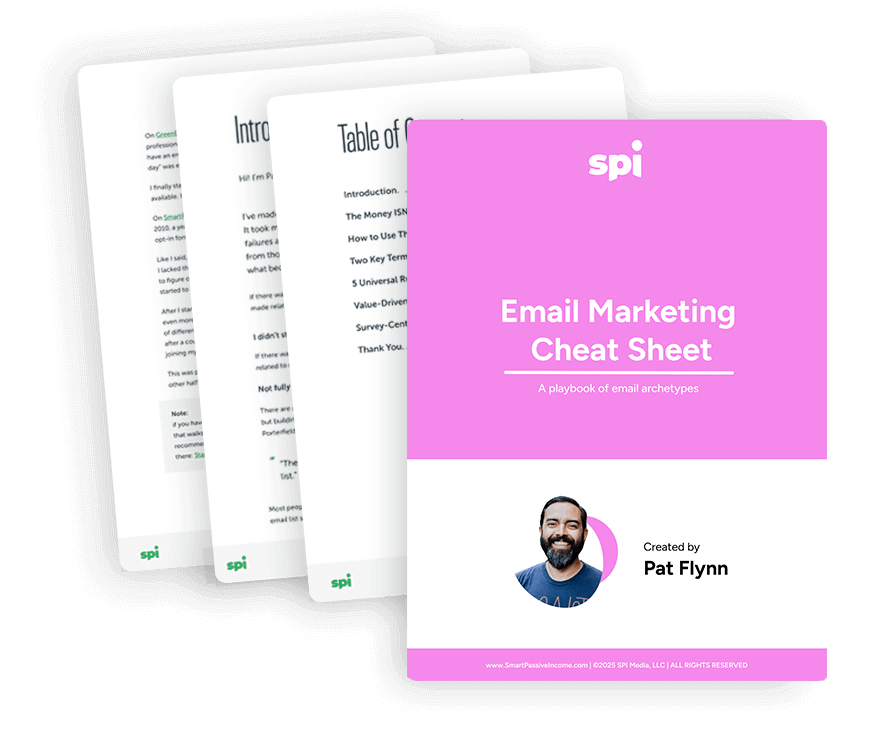
Download the FREE Email Marketing Cheat Sheet
You have your email list set up, but what should your emails say? The Email Marketing Cheat Sheet teaches you exactly what to send to your list, including 10 cut-and-paste-templates for the different types of emails your audience will look forward to.
Segmentation and triggers in email marketing—Email Marketing Tutorial Part #6
Want to take you email list a step further? Are you ready for a little more advanced information? Excellent! In this video, I’m sharing the best ways to incorporate list segmentation into the list building process.
25 pro tips on how to build an email list
How to build an email list using email
1. Create unique content
Emails that are entertaining, informative and uniquely valuable are naturally going to be a hit with your subscribers, as they’ll look forward to receiving emails from you and be inspired to share the content with others.
When you work hard to incorporate something special into each and every email you send, word of mouth exposure through recommendations by your existing audience is just a click of the “Forward” button away.
2. Make it easy for subscribers to share and forward your emails
Try to include social sharing buttons on your marketing emails and encourage current subscribers to share and forward your emails.
When they do, you’ll gain direct access to their friends, family, colleagues and networks to grow your email list.
3. Use segmented campaigns
Why?
Because an email recipient is more likely to read an email that speaks to their specific needs, wants, and desires.
That’s why smart email marketers segment their list by products people buy, pages people have visited, which form they opted in from – anything that connects a subgroup within your list to a distinct form of value you can provide.
4. Breathe some life into an old email list
If you have an older email list that is almost dying, now’s the time to breathe some new life into it by creating a fresh, engaging re-opt-in message.
Encourage the people on the list to re-opt in and promise to remove all contacts who don’t respond.
It may not sound like a good idea to remove people from your list when you’re trying to grow it, but, emailing contacts that re-opt in can improve your deliverability and increase the odds of the email being shared with those outside your current subscriber base.
How to create an email list fast with new content
5. Create bonus content and lead-generation offers
Creating enticing offers like a free ebook or cheat sheet to include on dedicated landing pages or relevant blog posts is the number one way I and most others have grown our email lists.
Give visitors to your site a compelling reason to trade their email address with you and you’ll find your subscriber count rising in no time.
6. Create a free online tool or resource that requires users to sign up
A more sophisticated version of the above is to create some sort of free online tool that makes life easier for those who visit your website.
You can ask for an email address upfront or do like my friend Neil Patel does with his Ubersuggest SEO tool and let people use a limited version tool first, then sign up with their email address to get the full suite.
How to make an email list via social media
7. Host a free giveaway
Know of a cool product or service your audience would love to have for free?
Give it away as a giveaway prize to those who participate by going to your website and signing up by providing their email addresses. Facebook and Instagram even allow you to include forms right inside their apps to make this even easier.
Just be aware that this can add a lot of not-so-interested people to your list since some people will sign up just for the freebie.
8. Create a social media-specific lead gen offer
Building a specific social media campaign around an ebook or other free resource can help grow your email list.
Think about those who are just at the beginning stages of solving the kinds of problems you help people with struggle with the most and craft an offer around that.
Then promote the heck out of it on all your channels by sending people to a special landing page that just requires them to trade their email for all that juicy value.
How to grow your email list using Facebook
9. Make a banner promoting your newsletter your cover photo
Facebook profile cover photos are great to call attention to something you care about – your newsletter included!
Just be sure your banner is high resolution, easy to understand in a second or two (not too much text), and clearly communicates the value you offer.
10. Place a CTA button at the top of your Facebook Business page
If you haven’t already, be sure to add a CTA button to your Facebook Business page that takes users to a landing page offering your free tool or resource in exchange for an email list sign-up.
11. Share previews of your newsletter on your feed
Create posts that showcase small snippets of the value you offer in your newsletter.
This is a great way to pique interest and get your audience to join your mailing list while also enabling you to leverage content you’ve already worked hard to create!
Grow your email list using YouTube
12. Take advantage of YouTube’s engagement features
YouTube offers creators various engagement tools that encourage viewers to take additional action after watching a video.
One such tool is a video outro that either tells viewers to click over to your website or to watch more videos on your channel.
The main goal here is to generate additional engagement and value for your business, so it makes sense to add links to relevant videos or a special landing page on your website offering a relevant downloadable or guide.
13. Use headers and images to promote your newsletter
Place a link to your newsletter sign-up landing page in your YouTube channel header.
This image is front and center on your profile and isn’t easily missed, so placing a key CTA link here calls a lot of attention to your best offer.
14. Promote your emails in your video descriptions
YouTube video descriptions should include details and keywords related to your video content to give viewers an idea of what to expect and help you rank in YouTube’s search engine.
But you can also promote your other social channels and value channels here with mentions and links—email lists included!
Grow your email list using Instagram
15. Include a CTA in your Instagram bio
Your Instagram bio is a great place for your audience to find information about you and your business.
Add a CTA in your bio that grabs attention and include a link to your email sign-up form.
16. Share posts that get users to click on the CTA in your bio
Share posts dealing with content that your audience is interested in and try to get them to click on the CTA in your bio.
If you offer products, you can post about how to use the product and then promise to deliver more information if they click on the link in your bio and sign up.
Or when you’ve got a juicy new piece of content in your latest email, tease it in a post then tell your followers they’ll get the full details if only they sign up for your email list.
17. Use the swipe up feature to share your signup page
Instagram Business profiles with more than 10K followers can add a clickable link to their stories, which is the perfect spot to place a link to your standard sign-up page or another offer that requires an email address.
18. Add an email button to your business profile
Adding an email button to your business profile is a more direct way to collect the emails of your followers by giving customers a chance to reach out for support or to ask questions.
Once satisfied you can send them a “want to join my email list” follow-up to keep growing!
Grow your email list using LinkedIn
19. Share links to your sign-up page in your conversations
Share links to your sign-up pages after having a conversation with members of your audience on LinkedIn
This way you’re giving customers a chance to continue the conversation and interaction
Links can be placed in InMail messages, comment threads or personal one-on-one messages.
20. Talk about your email newsletter
Don’t forget to post snippets on your email newsletter on LinkedIn!
Let your audience know that if they sign up, they’ll unlock more value from you by getting access to your best info.
21. Publish links to gated offers
Share posts containing high-quality information that your audience can benefit from, right on LinkedIn and encourage them to sign up for more on the topic or special offers.
You can also post links in relevant LinkedIn group discussions (just make sure your offer is in line with the topic or issue being discussed and that the group is okay with relevant promotional links).
How to build an email list for free with your website
22. Ask visitors for feedback on your content
Those who are most passionate about the topics you cover love to discuss them.
Obviously comment sections of blogs are a go-to for this, but you can also include the occasional “email me your thoughts” Call to Action to create a stronger connection with your audience and build your email list!
23. Create short lead-capturing forms
It may be tempting to create lead-capturing forms to collect as much information as possible, but adding too many fields on the form can create too much friction and reduce your lead captures.
If you don’t absolutely need more, try to create short forms with just 2 or 3 fields like name, email, and message.
Once you’ve gotten the conversation started in their inbox, you can collect more later if needed.
24. Add links to offers that collect email addresses
Be sure to place CTAs on relevant pages and posts of your website that link to special offers that visitors can benefit from if they sign up.
Secret ninja hack: your About page is a great place for your best offer as it gets a lot of traffic from the people most interested in you!
25. Include testimonials with your subscription forms
Ask your existing subscribers to share what they love most about your content, then post the best ones on your sign-up page and in your subscription forms.
This will give potential subscribers a better sense of the genuine value you offer and make them a lot more comfortable sharing their inbox with you.
Mailing list growth do’s and don’ts
It’s not about the money, it’s about the people
Before we get into the meat of the tutorial here, a couple of things:
- Thanks for reading through this, because seriously—most people miss this stuff and it’s so important for your long-term success in email marketing.
- So many people in the online business space will tell you that “The money is in the list.” While that’s not entirely untrue, I happen to think that it’s just a small (but still important) part of the picture.
You see, I believe that the money is in the list because that’s where the people are. That may seem obvious, but let’s break it down a little bit more.
When you create an email list, you’re allowing a group of fellow human beings to come together in one place where they expect to hear from you. You have a huge opportunity—responsibility, even—to provide value to them. When someone essentially says, “Hey, I like you enough to give you my email address,” you owe it to them to offer up everything you can to ensure that they make progress, stay informed, or are entertained.
It’s not all about money and it’s not all about the numbers, either.
I have so many people reach out and tell me that they feel discouraged with their small email lists. But, since we’ve already established that these are actual human beings, I like to take a much more visual approach. When you think about the 50 or 100 people on your list, think about having that many people in a single room to hear you speak. They’ve all shown up to hear whatever it is you have to say.
It can be frightening to think about, right? But that is exactly how I think email lists should be treated. When you think about it this way, you can begin treating your email list more like people in a room who are there waiting to hear what you have to say and, ultimately, continually deciding if you and the information you provide is still worth being in the room for. This approach will help you craft effective emails, build trust, and remember to treat your list with respect.
And, if generating an income is one of your goals, you’re likely to do very well.
Do provide lots of ways to opt-in
Make it easy for people to subscribe to your email list from as many pages on your site as make sense.
An easy way to do this is to include a form in your website’s footer so people who care most about your content (aka they make it to the bottom of a page) will have the opportunity to get more from you – wherever they may be in their journey through your content.
Don’t send emails without permission
All email marketing should be opt-in, permission-based.
Don’t buy email lists and never dump a list of contacts you get from outside of your opt-in forms into your newsletter list without first sending an opt-in email.
Failing to do the above is a quick way to end up in spam folders and potentially end up blacklisted by the best email marketing services.
Do give subscribers a way out
Related to the above, give your subscribers an easy way to opt out of receiving your emails with an Unsubscribe link in each and every piece you send.
Not only is this critical for ensuring you’re only landing in the inboxes of people who really find value in what you offer (which is the ethical way to treat email marketing), it’s also essential for avoiding getting your domain flagged as a source of spam – which can lead to reduced deliverability and even getting kicked off of your email marketing platform.
Don’t discourage replies
Email communication from entrepreneurs like you should always feel personal and approachable to build the best relationship possible with your audience.
Don’t make your audience feel like you’re some mega corporation that’s cold and impersonal by using an email address like [email protected]. Instead send your emails from [email protected] and ask for replies at least every once in a while to keep your relationship growing!
Email list building tools
Wondering what cool software you can use to help automate your email list growth?
Here are a few top email list-building tools to further help you build a solid email marketing list.
Email marketing software tools
1. Klaviyo
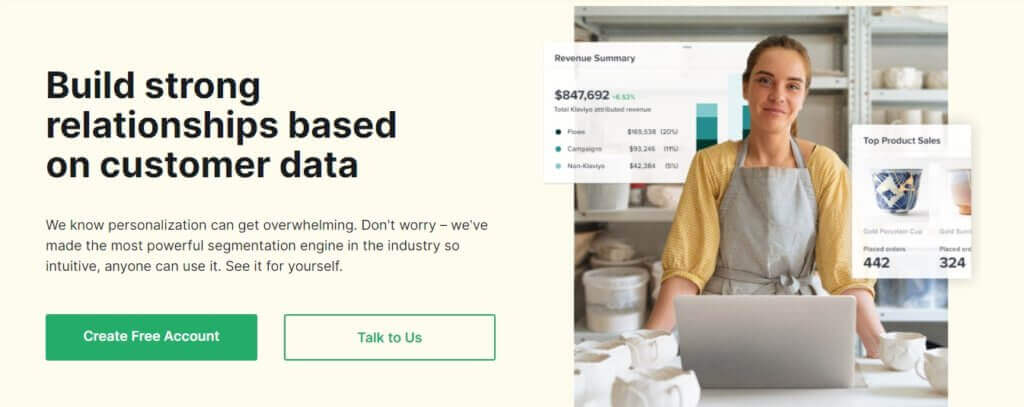
Klaviyo is an email service provider designed to cater specifically to eCommerce businesses.
Their services include A/B testing, list segmentation, intuitive marketing automation and others.
Klaviyo also offers a wide range of integrations with some of the biggest eCommerce platforms like Shopify, WooCommerce to affiliate marketing platforms, social media channels, etc, designed to boost email opt-in rates.
2. Omnisend
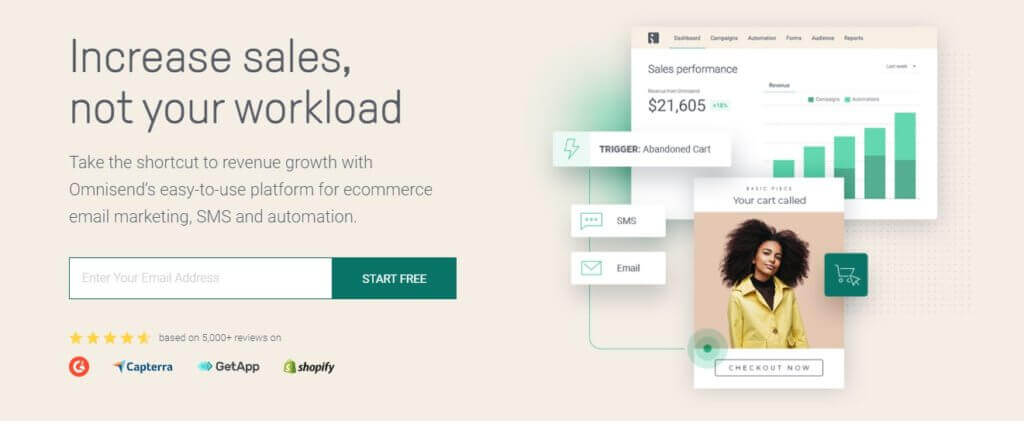
Omnisend is another automated marketing platform for eCommerce.
They have a wide array of features to help build email lists including popups, landing pages, static forms, and more.
All the forms are fully customizable so you can collect other bits of information like phone numbers and SMS opt-in consent.
3. MailChimp
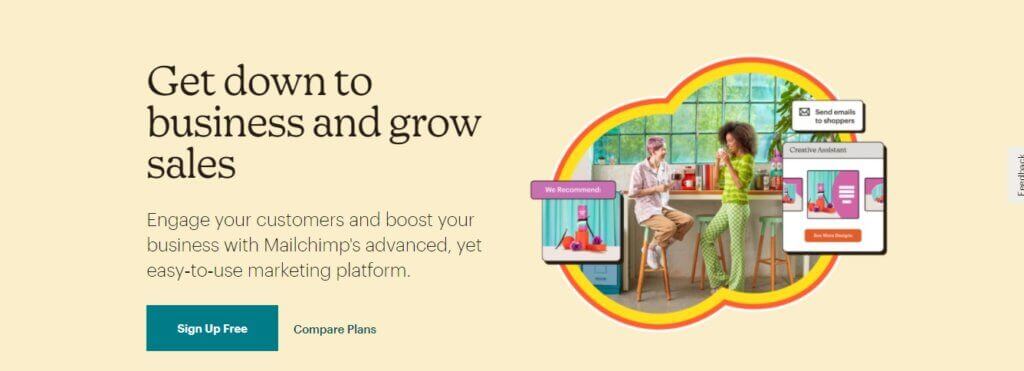
MailChimp is one of the top names in email marketing with a ton of features you can take advantage of when building your email list.
They offer complete customization and personalization of the emails that you send out, and include easy segmentation features as well so subscribers can be categorized into relevant campaigns based on their behavior.
4. Kit
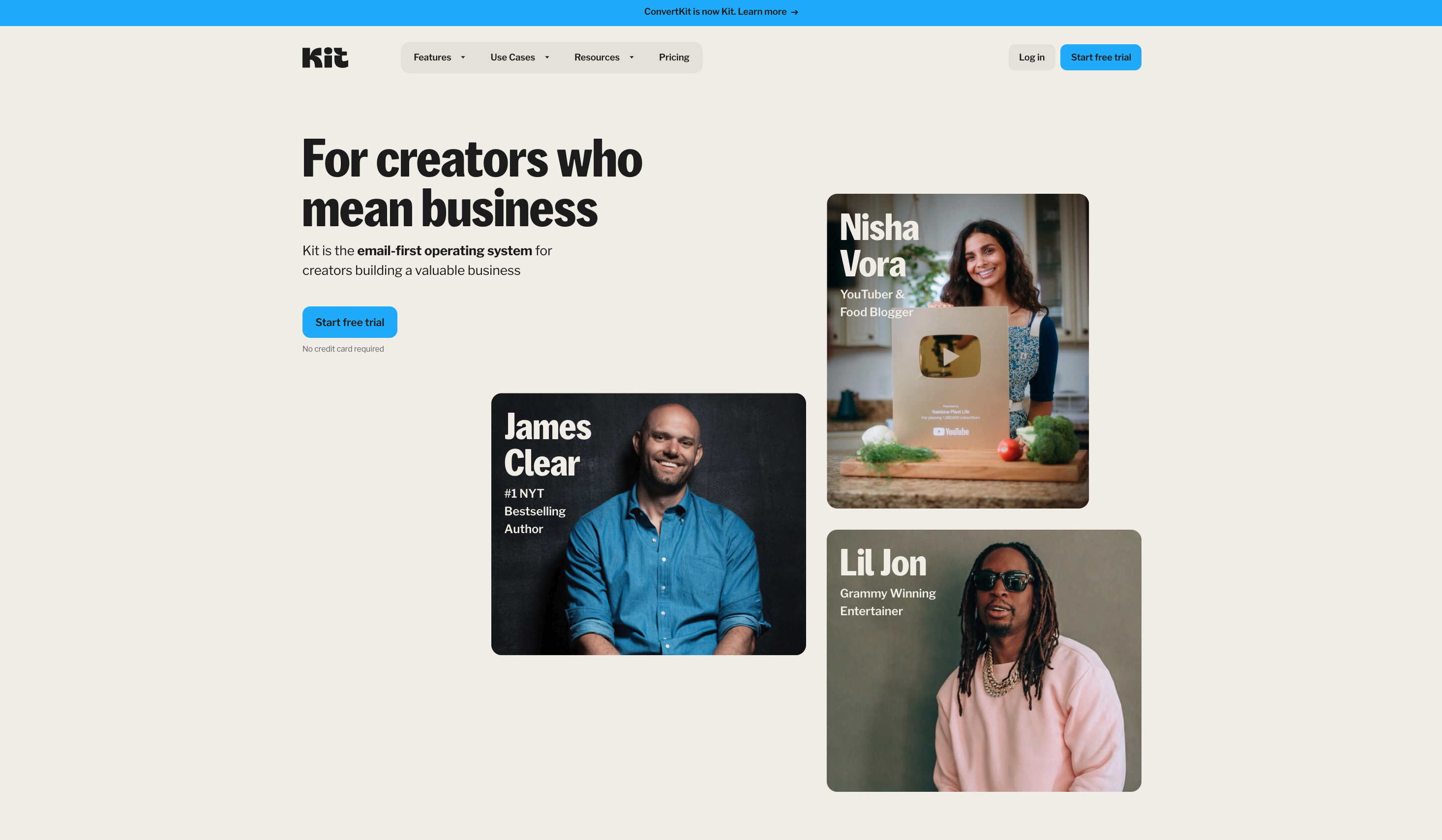
My go to email marketing tool (and an affiliate partner of mine) is Kit.
Built specifically for online content creators and businesses, their super easy to use suite of tools is perfect for musicians, authors, podcasters, and coaches looking to build a connection through through their email lists – without having to spend a ton of time learning to use their email marketing software.
Check out my full Kit review here!
Landing page builders
5. Leadpages
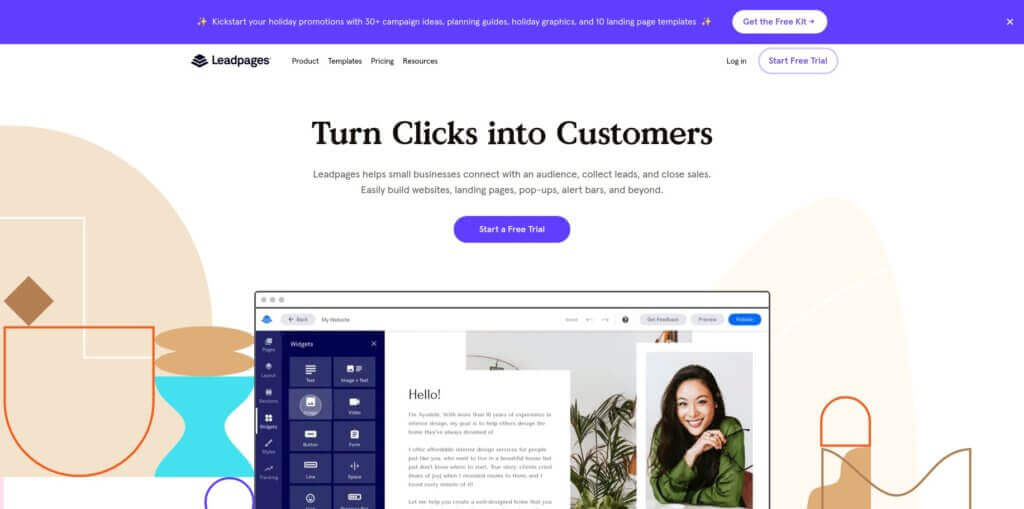
Landing pages that are specifically designed to drive email opt-in rates are effective in growing your email list.
Leadpages is a top landing page builder that offers several newsletter sign-up templates designs to increase opt-in rates.
Their templates consist of interactive elements like countdown times, social proof, etc and they offer detailed analytics reports with real-time conversion optimization tips to help you maximize your conversion rates.
6. Instapage
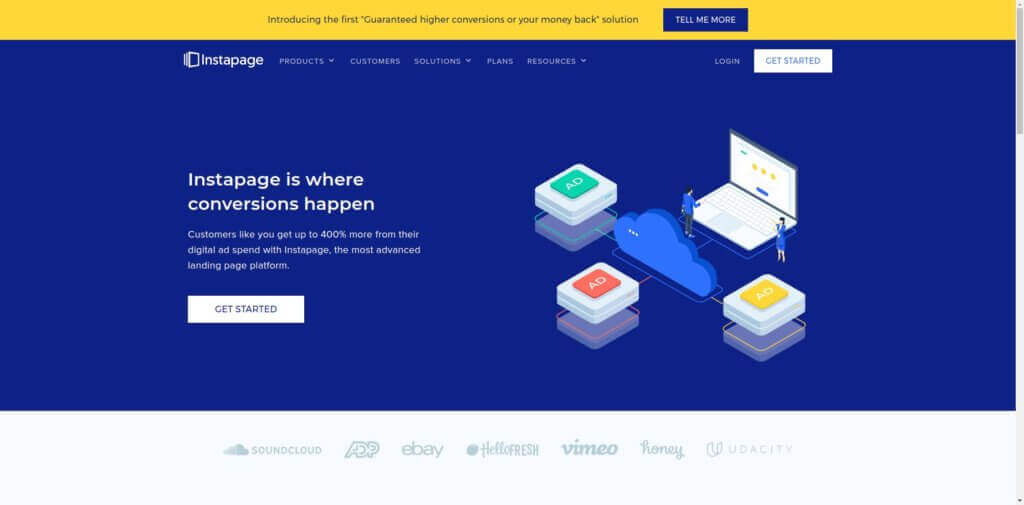
Instapage is another landing page builder with over 100 optimized page templates – including email subscription pages.
Their simple drag and drop builder makes it easy to add items like buttons, headlines, images, videos and various forms to your pages to customize your offers and optimize your conversion rates.
Online survey and quiz builders
7. Typeform
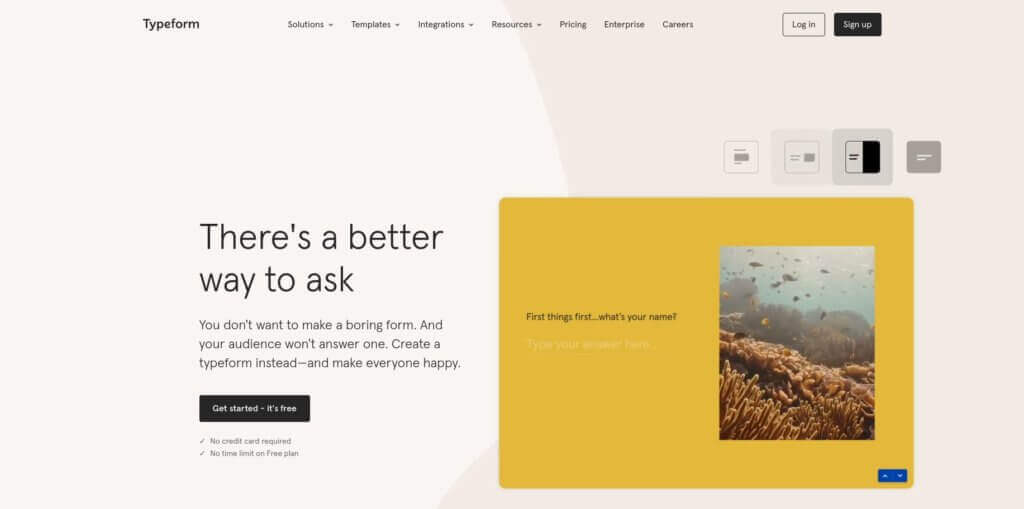
Interactive content is a great way to boost lead generation efforts, which is where survey software like Typeform comes in.
Their web-based platform that specializes in providing interactive content whether it’s online form building, online surveys and quizzes – all without writing a single line of code.
And of course, they integrate with email marketing software and CRMs so you can tie your quizzes and surveys into your existing email subscriber lists.
8. Outgrow
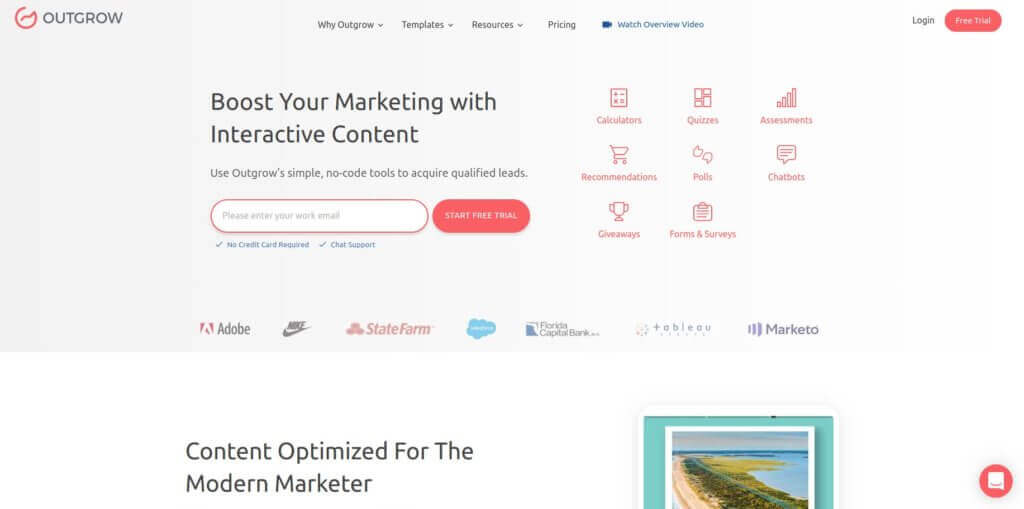
Outgrow is an interactive content creation tool you can use to build online quizzes, polls, surveys, calculators and more.
Contests and giveaway apps
9. Rafflecopter
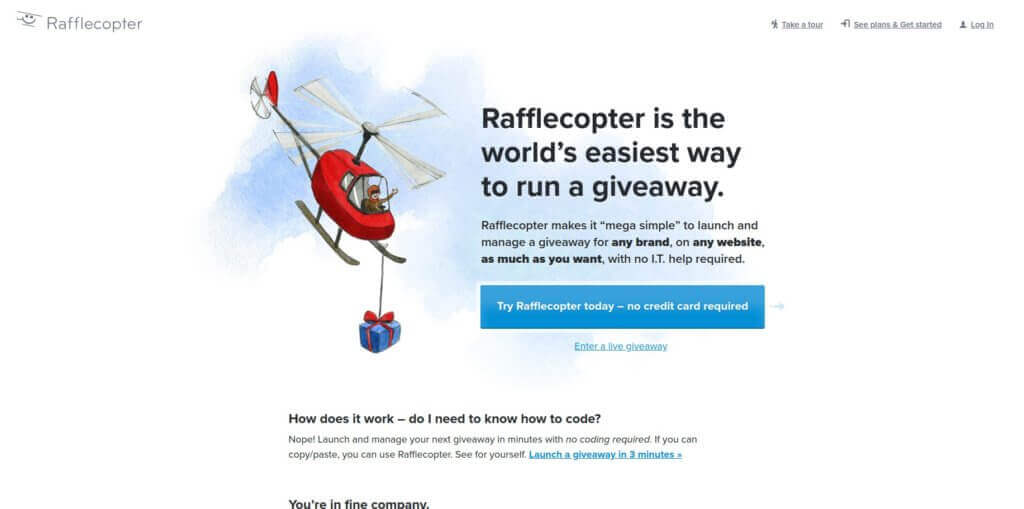
Rafflecopter is a unique mailing list-building tool that is focused on creating contests and giveaways on your website, social media, and email lists.
This email list-building tool include custom theme designs, email platform integrations and the ability to track metrics like the number of entries coming from all of your social media platforms.
Giveaways can be a great way to collect emails for your list since it’s common to ask for an email in exchange for entry.
Just be aware that you’ll get a lot of freebie chasers who aren’t really interested in your content if you promote your giveaway too far outside of your existing audience.
Overlay and pop-up shops
10. Sumo
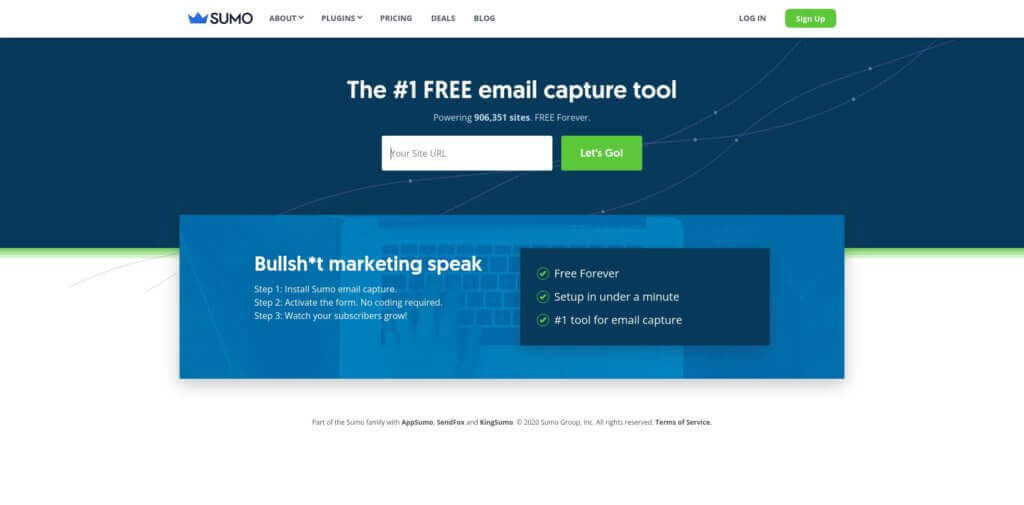
Sumo is a free, super easy-to-use pop-up email capture tool used on over 906,350 sites.
Fully customizable, analytics included, ecommerce ready – Sumo’s a great, easy place to start if you want to experiment with email capture pop-ups without spending a ton of time messing with tools.
11. HelloBar
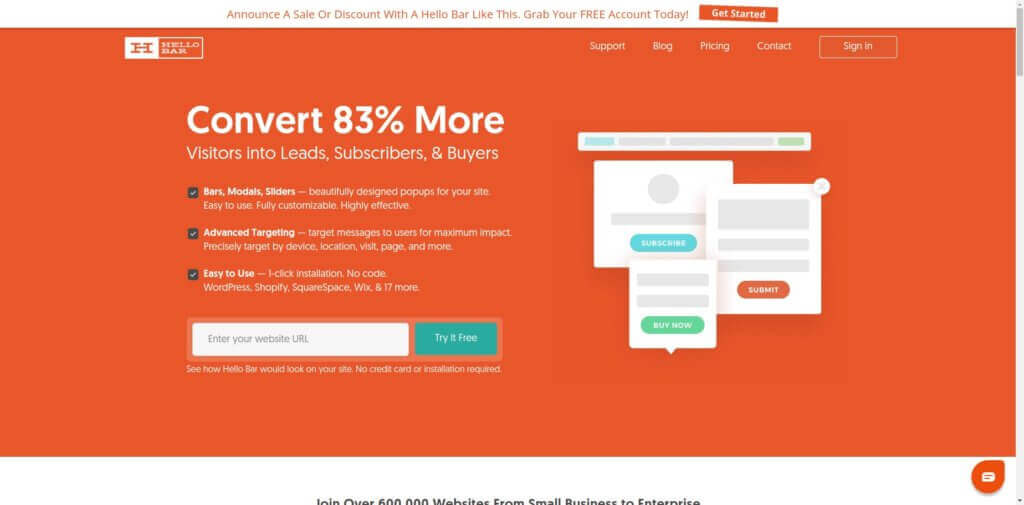
HelloBar is another pop-up tool that can help speed up the growth of your email list by allowing you to create exit-intent popups, timed popups, floating sign bars and others.
Ecommerce retailers can benefit greatly from these to recapture visitor attention by offering exclusive discounts, access to presales, etc.
HelloBar also provides access to a team of copywriters that can help review your website’s goals and suggest optimizations geared towards increasing your conversion rates.
12. Thrive Leads
Thrive Leads is an email list-building tool that offers ten types of signup forms including traditional options like embedded and inline form as well as Screen Filler Overlays, Content Locks and Scroll Mats.
The latter cover the entire page to remove any distractions so visitors’ attention can be focused on taking action like subscribing.
Thrive Leads also includes a dashboard that reports important metrics so you can track the performance of your campaigns right inside your WordPress Dashboard.
Your mailing list questions answered: AskPat on email list building
The first 1000 episodes of the AskPat Podcast featured lots of questions on email list building. I am featuring many of those questions here because I think they’re issues you’re likely to encounter as you work through the advice above.
AP 0062: How do you get people from Facebook into your email list?
AP 0073: Email Marketing: How often should you send an email to your email list?
AP 0128: Is it worth starting an email list, even though I don’t have many visitors?
AP 0463: Why aren’t people subscribing to my email list?
AP 0574: I’m a musician. How can I grow my email list?
AP 0608: What should I do when my competitor joins my email list?
AP 0651: What content do I send to my podcast’s email list?
AP 0684: Should I worry about spam bots filling my email list?
AP 0800: How should I reach out to my audience to start growing my email list?
AP 0880: Is it better to have people find your email list organically or to use pop-ups?
Grow your email list to the next level
As my dear friend Amy Porterfield says, “The energy of your business is directly tied to your email list.”
Don’t make the same mistakes I made. I recommend downloading The Email Marketing Cheat Sheet, my free ebook designed to make sure you never run out of email ideas.
The Email Marketing Cheat Sheet is designed to give you valuable insights into building a strong email practice. You’ll receive:
- A playbook designed to help you write ten different styles of emails.
- Advice on when to send each email style and what the call to action should include.
- A strong understanding of the difference between broadcast and autoresponder emails, so that you send the right email at the right time.
- My rules for what makes for a good email.
I want the energy of your business to thrive, and it’s why I recommend you read Email the Smart Way. It’s free!
Click “Download the Cheat Sheet” below to get it sent straight to your inbox.
Download the FREE Email Marketing Cheat Sheet
You have your email list set up, but what should your emails say? The Email Marketing Cheat Sheet teaches you exactly what to send to your list, including 10 cut-and-paste-templates for the different types of emails your audience will look forward to.
Thanks! You are why I’m here
Thank you so much for reading this tutorial and watching the videos. I sincerely hope it has helped you to start and grow your own email list.
You are why I am here. Without your support and passion, I wouldn’t be able to do what I do. So thank you for that!
If this tutorial has helped you in some way, I’d love to hear about it. And, if you’d like to help me out, please share this tutorial so others can benefit too!
I appreciate you! Cheers!